Go paper-free
Amend paper-free preferences for your statements and communications.
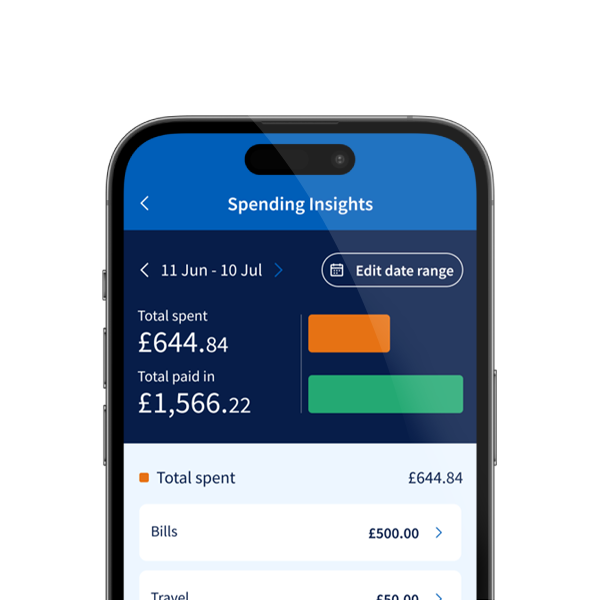
See your spending patterns with our quick and easy online tool.
We can help you with your everyday banking in one of our high street branches. You can find a branch, check the opening hours, services available and accessibility options, before you visit.
You can also book a free 45-minute personal review with us at your local branch, if you want help to make your money work harder.
You can deposit cash at PayPoint stores. Learn what services they offer and where your nearest store is.
You can do your everyday banking at a Post Office branch. Take a look at what services are available to you and where your nearest branch is.
Banking Hubs are owned by Cash Access UK and are operated by the Post Office. They give easy access to face-to-face services in the communities across the UK, supporting customers to manage their everyday banking needs. You can deposit cash and cheques and withdraw money.
One day a week, in some locations, we may have a Community Banker available to provide extra support.
Our Community Bankers provide banking services and account support for customers who may not have a local branch. They have dedicated space in a community venue or Banking Hub where you can pop in for a chat and get help with your banking needs.