Go paper-free
Amend paper-free preferences for your statements and communications.
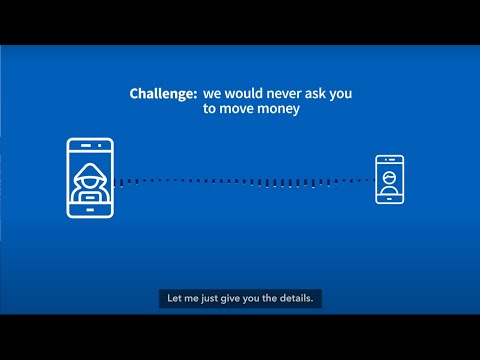
Do you know how to tell if it’s a fraudster on the phone?
Find out the warning signs to stay safe.
Fraudsters can use the same tricks to pretend to be a well-known company.
They call to ask you to download software, but if you do it gives them control of your computer or device.
If you get a call like this, hang up.
If a caller wants you to share a passcode or activation code, it’s a scam. Hang up.
Never share a code as it will let someone else use or set up an account.
Fraudsters can make live video calls that look and sound real.
Hang up if someone gets in touch by video call and wants you to send them some money.
Call them back on a number you trust or meet them in person to make sure it’s real.

Find out how fraudsters try to steal your details.

Did you know fraudsters set up fake profiles just to steal money?

Fraudsters sell fake items online or ones that don’t exist.

Fraudsters pretend to be genuine companies and advisers.

Fraudsters will try to guess passwords to your online accounts.

Fraudsters want to steal your personal and banking details.