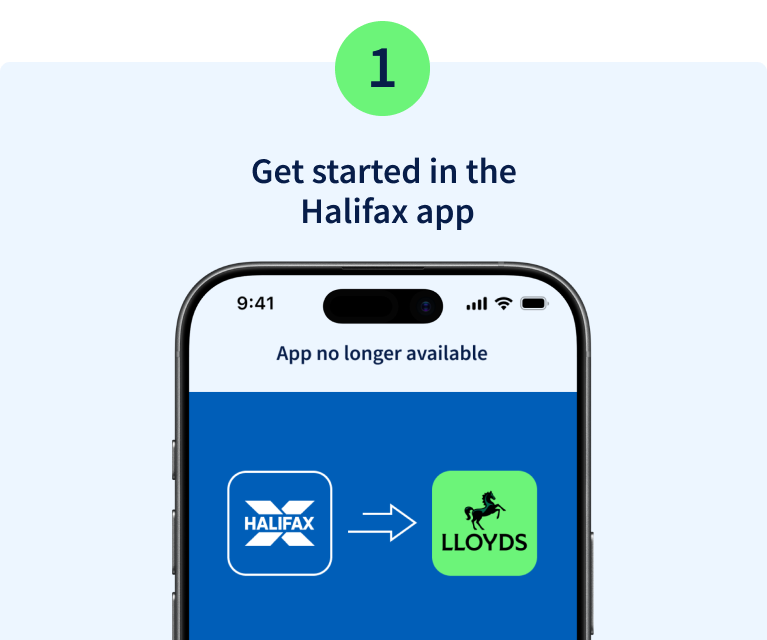
Open the Halifax app and select the message to start your move to Lloyds.
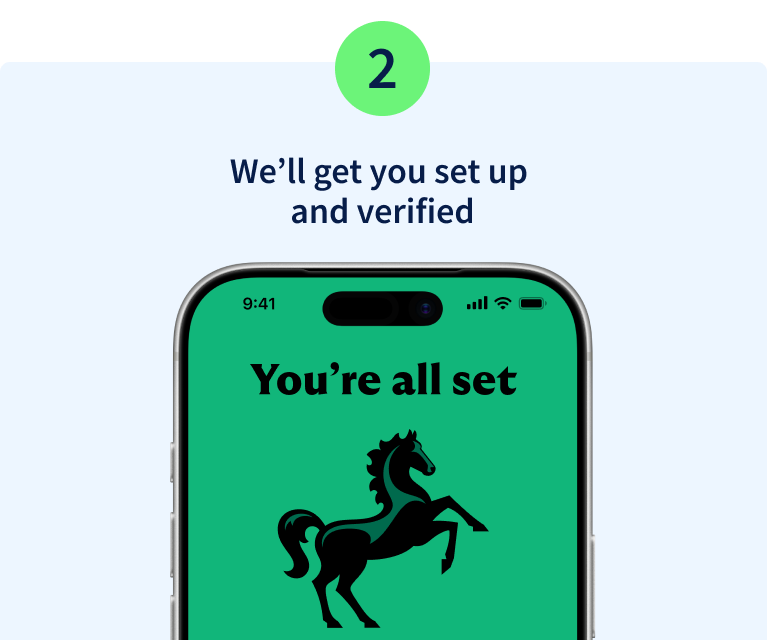
We'll take you to the Lloyds app and in a few quick steps, you'll be set up. You can use biometrics and continue using your existing password and memorable information.
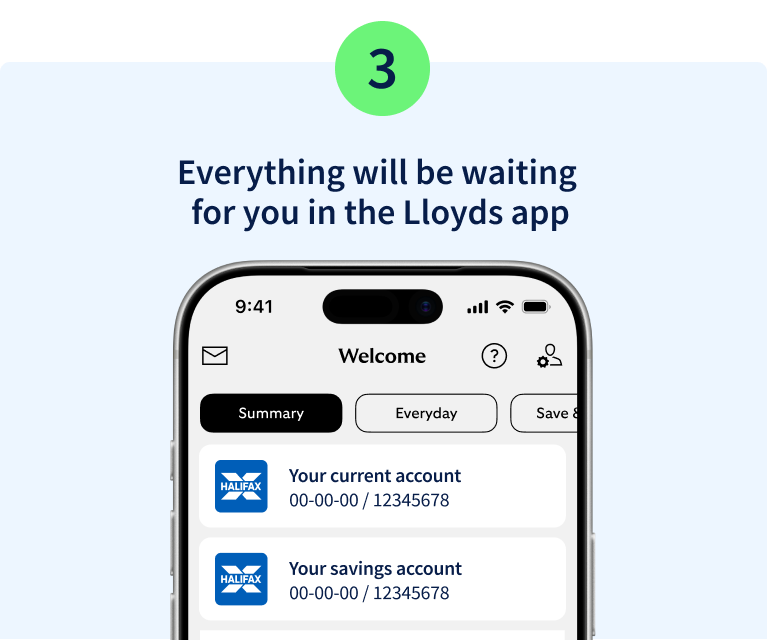
The Lloyds app looks and works a lot like the Halifax app, so it should feel familiar straight away. Your accounts and policies will be there ready for you to manage, just as you do today.