Friends viewing phone
 

New to online banking? Time to change

If you don’t currently use online or mobile banking, you can start using the Lloyds app now to see your existing Halifax accounts. Once you’ve downloaded it, you can set it up using your Halifax account details.

Your Halifax accounts are there waiting for you.

Scan the QR code to get started.

More on the change


New to online banking? Time to change

If you don’t currently use online or mobile banking, you can start using the Lloyds app now to see your existing Halifax accounts. Once you’ve downloaded it, you can set it up using your Halifax account details.

Your Halifax accounts are there waiting for you.

Download the Lloyds app

More on the change

Moving across to the Lloyds app in just a few clicks

You can continue managing your accounts in the Lloyds app by following these steps.
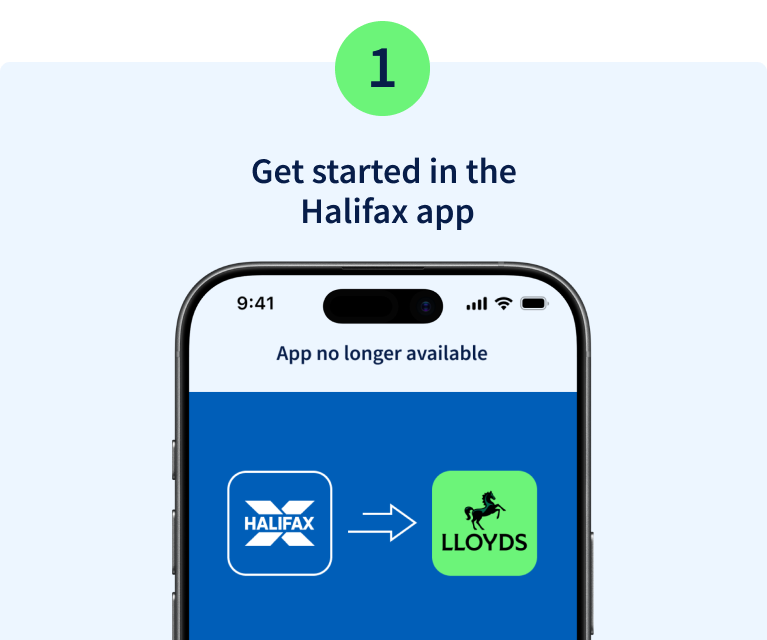
Step 1. Get started in the Halifax app. Image of mobile phone screen with the Halifax logo and an arrow to the Lloyds logo.

Open the Halifax app and select the message to start your move to Lloyds.
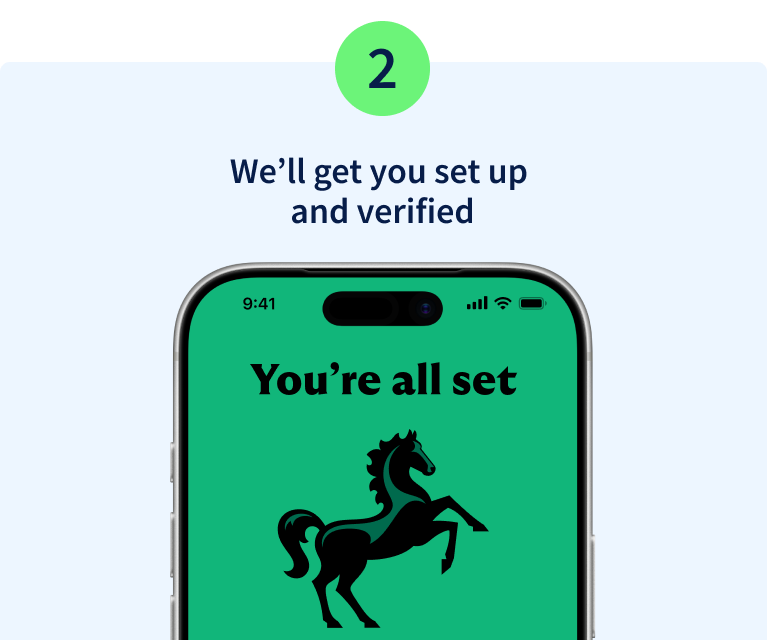
Step 2. We'll get you set up and verified. Image of mobile phone displaying the Lloyds logo with the message You're all set.

We'll take you to the Lloyds app and in a few quick steps, you'll be set up. You can use biometrics and continue using your existing password and memorable information.
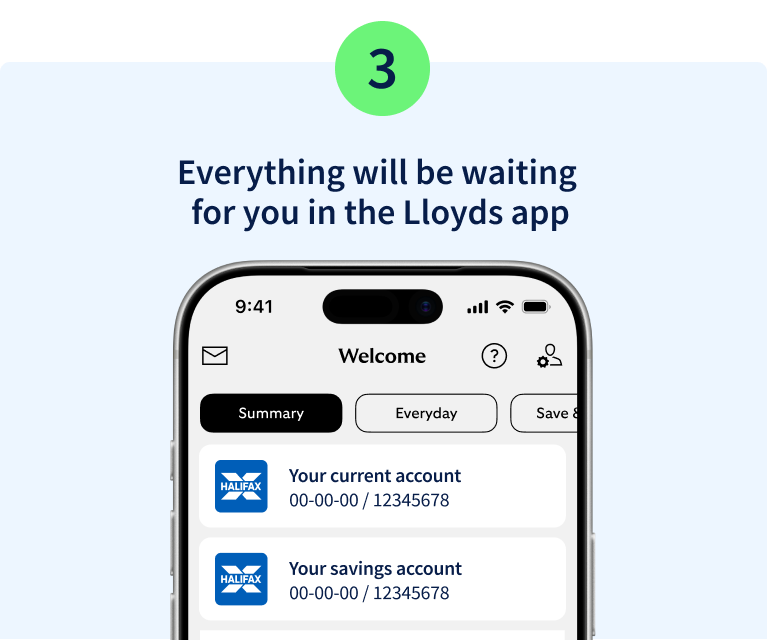
Step 3. Everything will be waiting for you in the Lloyds app. Image of mobile phone displaying Halifax accounts in the Lloyds app.

The Lloyds app looks and works a lot like the Halifax app, so it should feel familiar straight away. Your accounts and policies will be there ready for you to manage, just as you do today.

Opposing arrows to represent 'moving'

Moving to Lloyds online banking

When you next log in to Halifax you'll be asked to move to Lloyds online banking. It's simple and only takes a couple of minutes.

Log in

How to reset your login details

halifax-and-lloyds-icons

Head to Lloyds for support with...

Everyday banking

It's simple and safe in the app or a browser.

Everyday banking

Payments and transfers

Payments are quick and secure in the mobile app and online banking.

Payments and transfer

Card and PIN services

Find out about how you can manage your cards with online banking and the mobile banking app.

Card and PIN services

Your security comes first

Our promise on fraud

We want you to feel safe during this brand change.

Any action will always start in your app or online banking, not from a link, message or call.

If someone is asking you to do something another way, it's not us, it’s a fraudster.

Visit the fraud hub

What to expect from us

  • Updates by email, letter, or in the Halifax app or online banking.
  • Clear notice when it’s time to move to Lloyds.
  • The same protection you get today.

What we’ll never do

  • Ask you to log in or verify yourself using a link or QR code.
  • Ask for personal details by phone, text or email.
  • Ask you to move your money.

You might also like

Brand change

As the Halifax brand changes to Lloyds, we'll keep you informed at every stage.

More on the change

Support centre

While the brand might be changing, we're still here to support you. 

Get help and support