Go paper-free
Amend paper-free preferences for your statements and communications.
If you use the Halifax app and online banking, we’ll invite you to start using the Lloyds app instead. You’ll be able to carry on managing your Halifax accounts there. The Lloyds app and online banking are similar to Halifax, so it should feel familiar.
Let us show you step-by-step.

(1 min 13 secs)
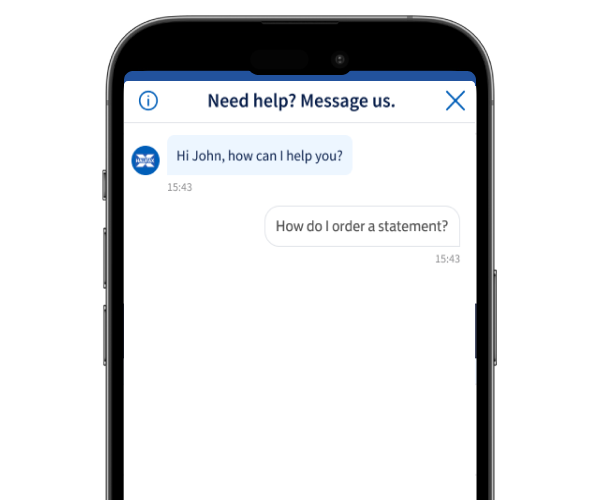
If it's your first time using our virtual assistant, try to keep your question nice and simple.
Our virtual assistant may ask for some more details. If it can’t help, it will usually connect you to a helpful human who will reply as soon as possible.
If it's your first time using our virtual assistant, try to keep your question nice and simple.
Our virtual assistant may ask for some more details. If it can’t help, it will usually connect you to a helpful human who will reply as soon as possible.
If our virtual assistant can’t help, we’ll pass you on to someone in one of our teams. They’re available at the following times:
It’s our expert support system that gives you help with everyday banking tasks.
Just start a chat with our virtual assistant to get instant support. If it can’t answer, we’ll usually find you someone who can and they will get back to you as soon as possible.
Make sure you have notifications switched on so we can let you know when they’ve replied.
Our teams are available at the following times:
Turn on device notifications for our app and we’ll let you know when you’ve got a new message.
To turn on notifications on an iOS device:
To turn on notifications on an Android device:
Yes. You’re securely signed in to your account through the app or Online Banking.
But it’s still important you don’t share anything private like your username, password, memorable information, card number or PIN.