Go paper-free
Amend paper-free preferences for your statements and communications.
When you use your card online or log in to online banking, you might notice an extra security step. You need to use 2 different ways of proving who you are. These could be:
If you don't use our app, or we don't have your phone number, you might not be able to continue. Update your phone number
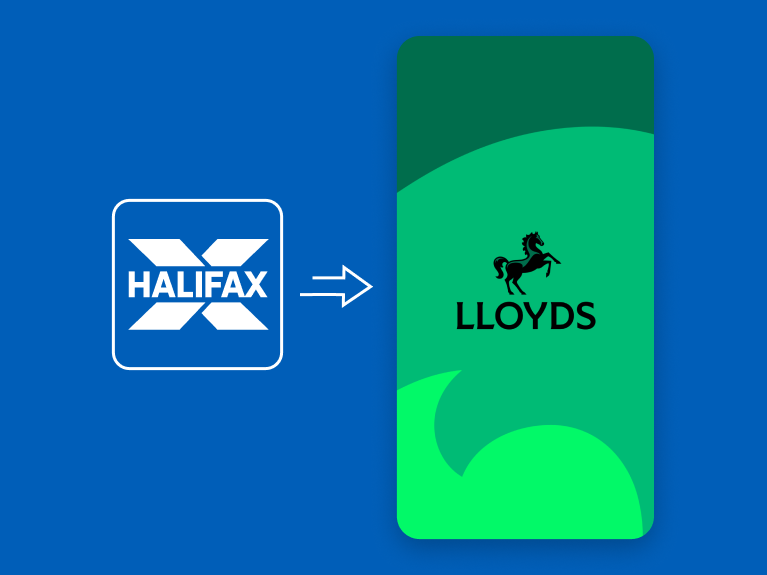
If you don’t currently use online or mobile banking, you can start using the Lloyds app now to see your existing Halifax accounts. Once you’ve downloaded it, you can set it up using your Halifax account details.
When buying something online with your card, you may be prompted to confirm the payment using the app.
Once you’ve moved to the Lloyds app, all future payments you make with your Halifax card will be approved in the Lloyds app.
To make sure you're able to complete the extra security checks, there are a few things you can do.
Trusting your private and secure computer, tablet or mobile means we’ll know it’s you signing in.
You’ll notice the extra security during payment.
When using Online Banking, you’ll notice the extra security during sign in.
By law all banks need to have an extra layer of security for their customers. This is called 'Strong Customer Authentication'. For you, it means more protection when you’re shopping and banking online. It involves extra checks to prove it’s really you and help keep you safer from online fraud.
An extra layer of security makes it harder for fraudsters to target your online accounts. All banks have to do these extra checks.
Most people use passwords as way of proving it’s them. Sadly, passwords can be guessed or stolen by fraudsters. So we’ve added a second layer of security to check it’s really you, and make it harder for anyone else to. There are three ways you can verify yourself:
You need to provide two of these three ways to verify it’s you. This is called 'two-factor authentication'.
