View or download statements

You can do this online

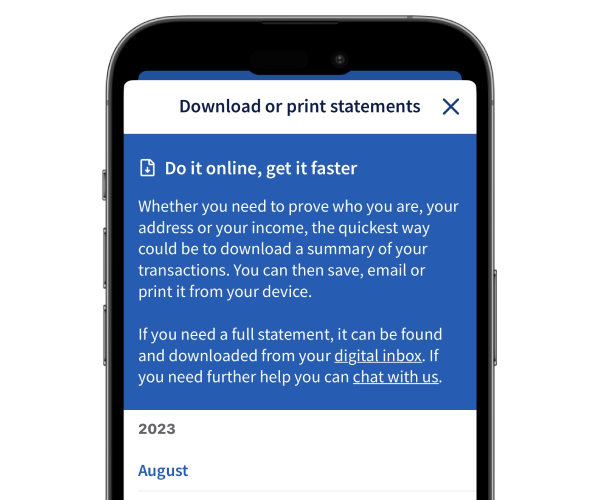
  • Check your statement, save it as a PDF or print a copy.
  • Download a statement straight from our app to your phone.
  • Order a paper statement – you’ll get it in the post within 10 working days.
Download statement guide image

How to do it

Let us show you step by step.

Watch our video guide

(1 min 19 secs)

    1. Sign in and select the account you want to view. Then select the three dot menu.
    2. Select Download or print statement to save or print. For paper copies, select Order paper statements.
    3. Choose the statements you would like to download, print or order and follow the instructions.

    To see how to do this, watch our video.

    1. Sign in and select the account you want to view.
    2. On your account page, select Statement options.
    3. Select to print, download or order a paper copy.

Get set up online


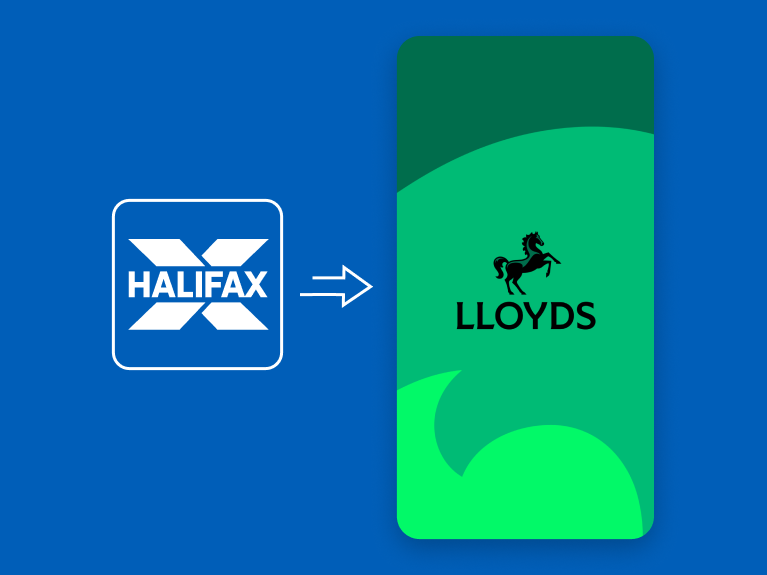
The Halifax brand is changing to Lloyds

If you don’t currently use online or mobile banking, you can start using the Lloyds app now to see your existing Halifax accounts. Once you’ve downloaded it, you can set it up using your Halifax account details.

How to get online

More on the change

Let’s take a closer look

You might also like

Message us online

Get answers to your everyday banking questions. Log in to our app or online banking to get in touch.

How to message us

Go paper-free

Change paper-free options for your statements and communications.
Manage your paper options

Statement notifications

Get notified when you have a new statement to view in our app.

Set up notifications

More help with statements

Download statements, check pending transactions or see where a payment was made. 

See our guides

More help with statements

Download statements, check pending transactions or see where a payment was made. 

See our guides